
Razza
Subsurface professional in oil & gas, CCUS & geothermal
Create subsurface visuals better than PowerPoint - no sign-in required
Try Subtext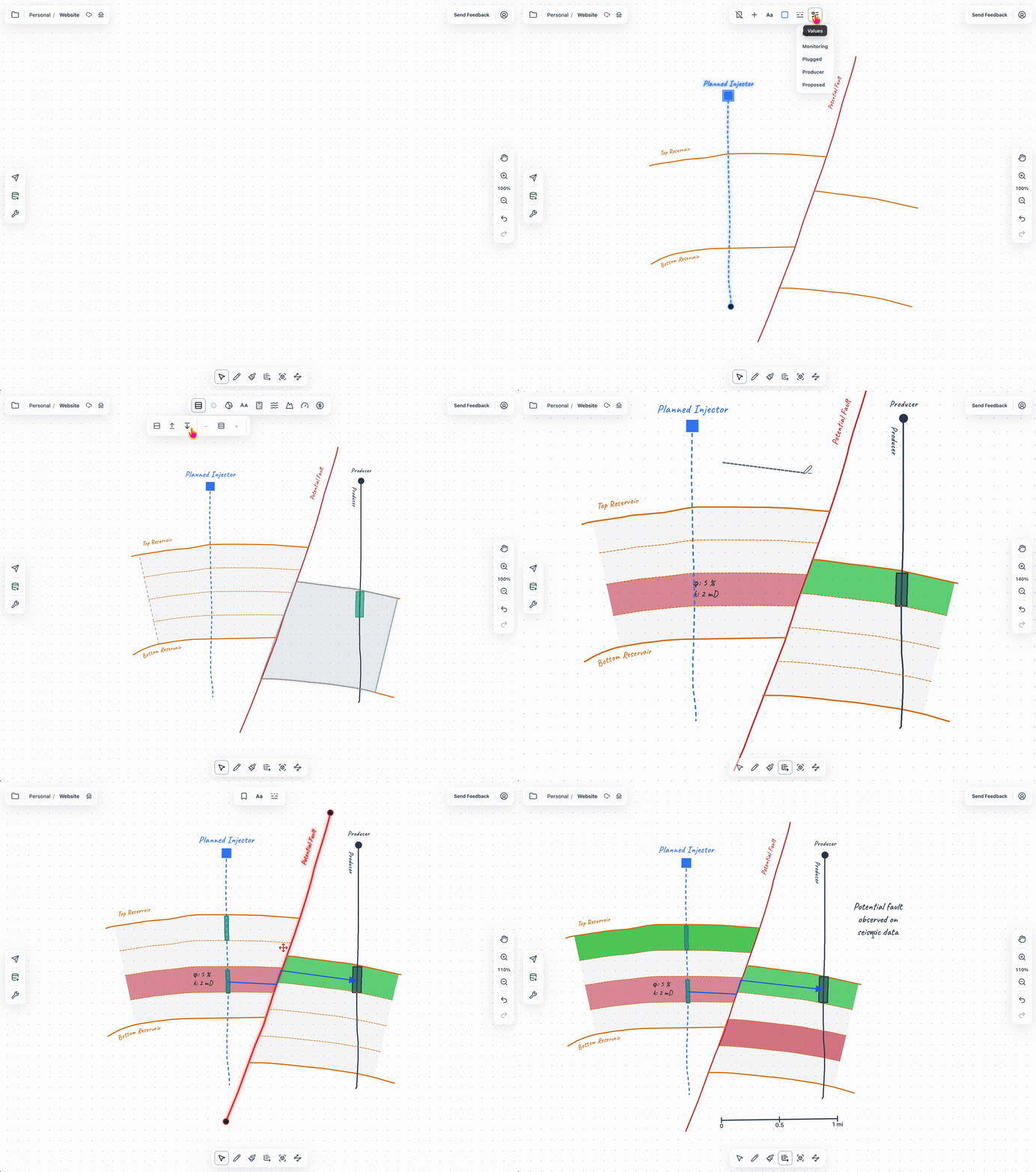
Subtext is a whiteboarding and collaboration tool
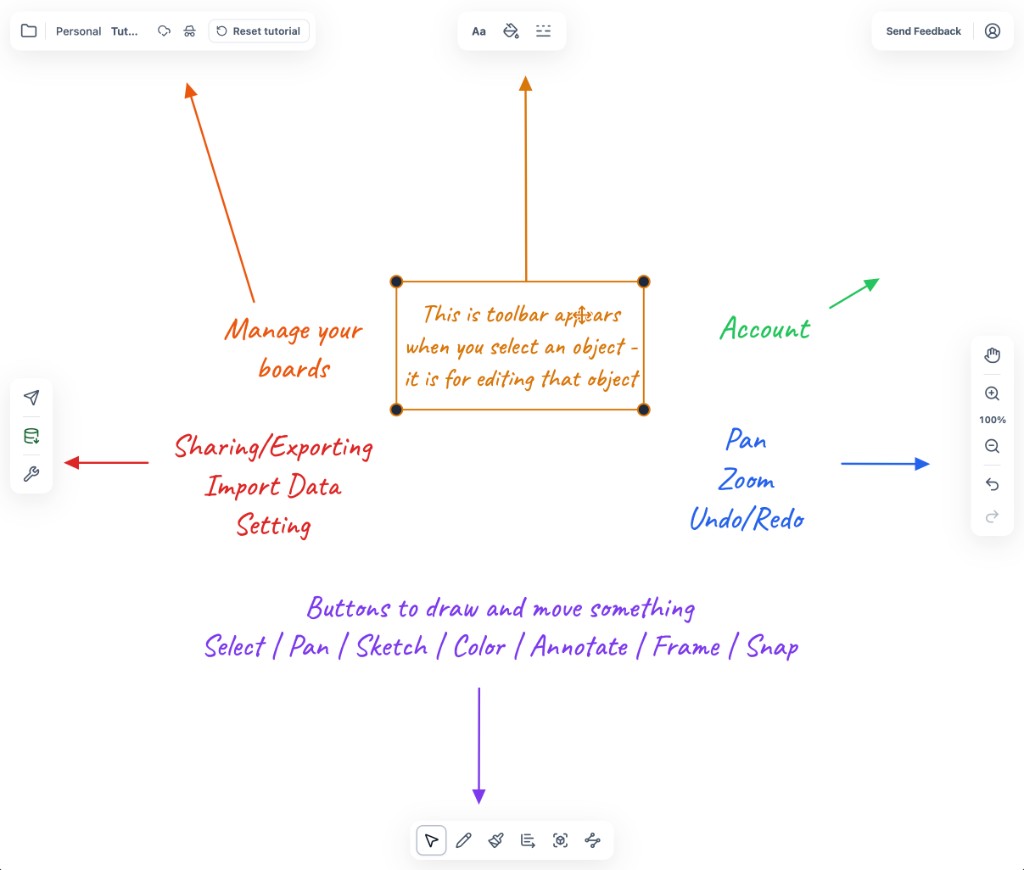
1. Sketch the subsurface scenario 2. Import data to the sketch, then annotate 3. Share the visual with the team
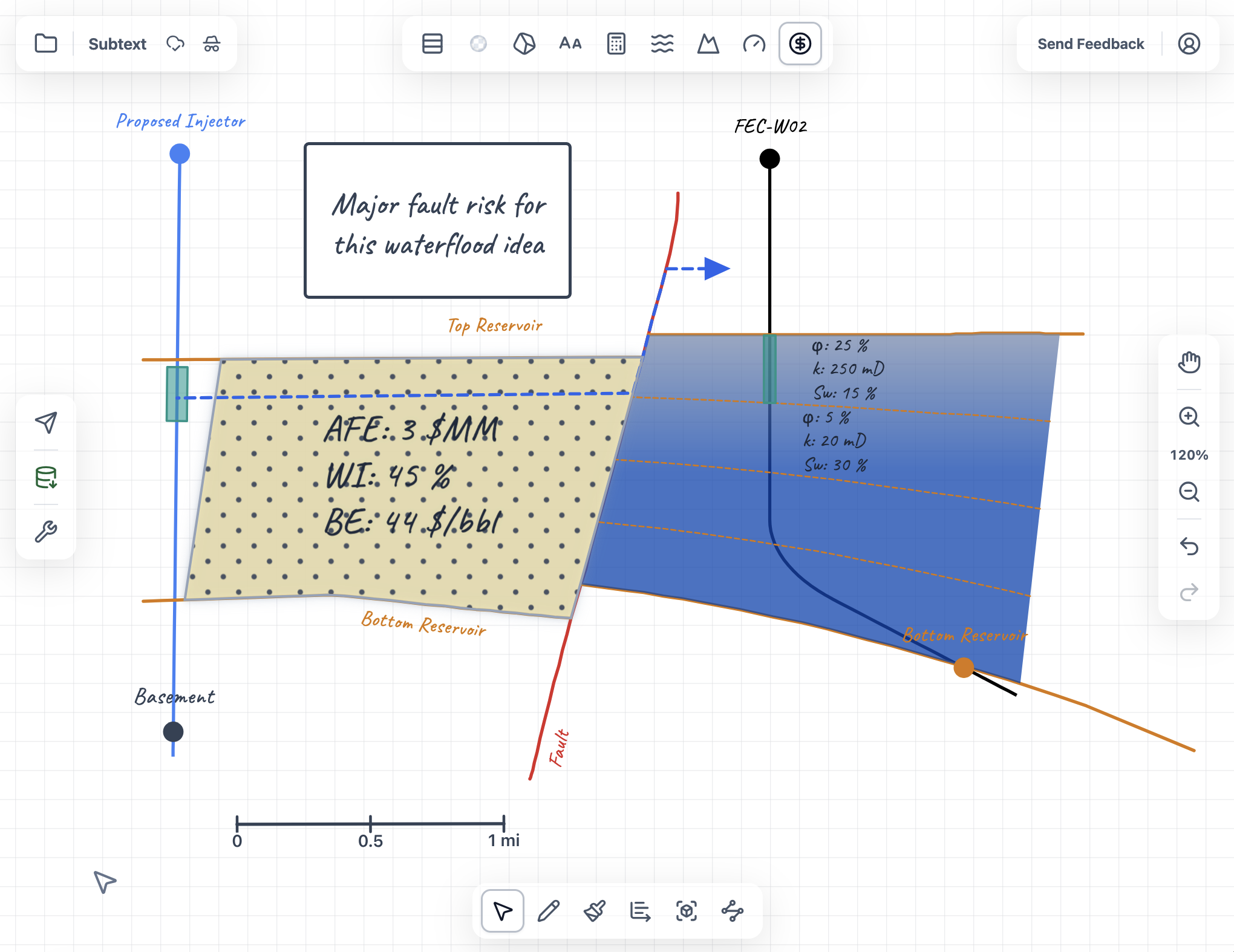
A picture speaks 1000 words... so make it a good one

Create visuals to show risks, uncertainty, scenarios, proposals, ideas and more... then add it to PowerPoint
No sign-in is needed to create a sketch. These stay in your local web browser - we cannot see them. Signing in lets you save your sketches in the cloud, share them with your team, and more.
All data in the app is either public data or synthetic, and for demonstration purposes.
This is a prototype, and we recommend using it for high-level conceptual sketching. Check your company or institution policy if you are in doubt, or please contact us for more information.

Subsurface professional in oil & gas, CCUS & geothermal

Software engineering in B2B and enterprise solutions
Oil & Gas and Geothermal Energy industry veterans
Startup leadership and development
Our mission is to improve the communication of ideas and intent across disciplines and teams within subsurface industries
We’re prototyping openly, gathering feedback and genuinely excited to hear any thoughts
Our goal is for Subtext to connect your teams and data on a single space, so nothing gets lost in translation
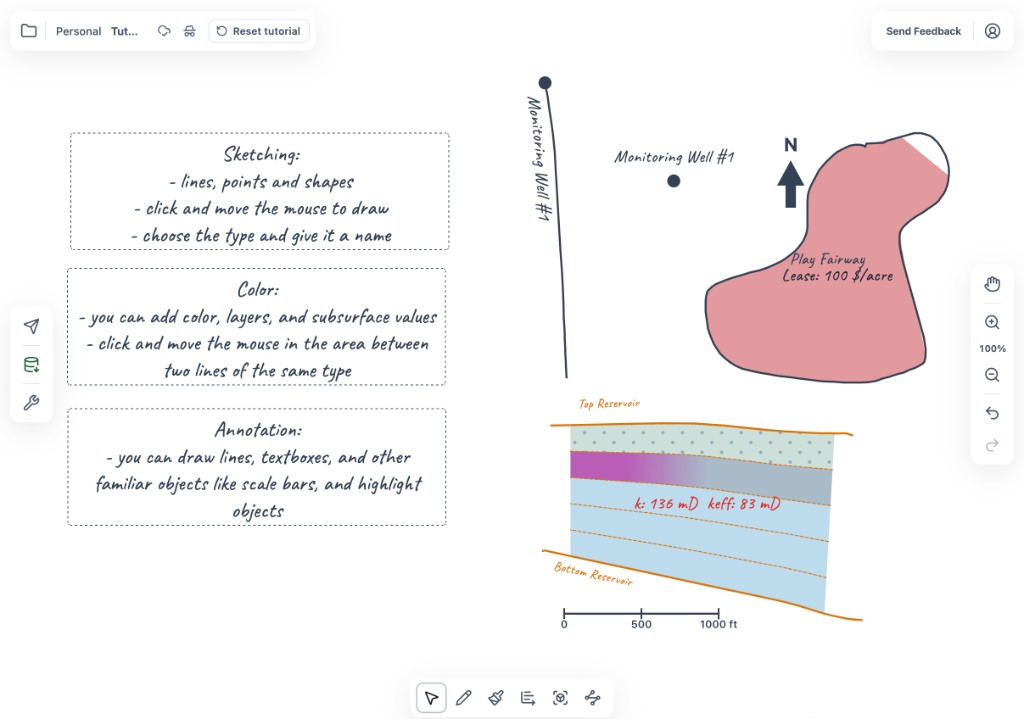
Draw objects familiar to your domain, and add color to tell the geoscience and engineering story
Prototyped
Import files familiar to your domain, e.g. LAS, SGY, GRDECL to be part of your sketch
Prototyped
Using Frames with x- and y-axis your sketch now has real-world locations
Prototyped
Create detailed and complex visuals and schematics, relatively easily
In progress
Create, customize or use preset of sketched objects for a use case
In progress
Give access to your whiteboard to people to view or edit
Prototyped
Users can see live sketching and edits from your team members
In progress
Team members can leave comments for others to share information and for reference
In progress
Send your sketch to a PowerPoint file or directly to technical software, e.g. Petrel, Leapfrog
Prototyped
Tagging sketched objects allow dynamically walking through scenarios and decision trees
Prototyped
Company sign-in, encryption and outside review will be embedded
In progress
Use your AI tools to create the first iteration of a complicated sketch, then you takeover and refine it
Future feature
A preview of how plans will work as Subtext develops
FreeTry Subtext |
ProStart 14-day free trial |
EnterpriseRequest an Enterprise trial |
|
|---|---|---|---|
| Seats | Single userNot for commercial use | Single userFor commercial useDiscounted for students and researchers | Multiple seats for organizations and teams |
| Sketching | Subsurface sketching and diagramming | Subsurface sketching and diagramming | Subsurface sketching and diagramming |
| Data | Sample datasets only | Data import | Data importImport from technical software |
| Export | Export boards as images | Export boards as imagesSend directly to PowerPointExport sketches as data or GIS files | Export boards as imagesSend directly to PowerPointExport sketches as data or GIS files |
| Storage | Local storage, plus 3 cloud boards | Local and cloud storage | Local and cloud storagePrivate cloud or on-premises options |
| Workspaces | One personal workspaceShare boards with a view-only link | One personal workspaceShare boards with a view-only link | Unlimited personal and team workspacesWork together with your team and guests (view or edit) |
| Collaboration | — | — | Multiple users within a shared workspace with real-time updates |
| Sign-in and security | No account required | Secure sign-in | Single sign-on (SSO)Advanced security and admin controls |
| Support | — | Submit support tickets | Dedicated support and priority feature requests |